Starter
plan includes realtor module
7-day free trial · no credit card needed
Manage sale, rent, lease, and PG listings with maps, photos, CRM links, and public share pages — from ₹399/month on Starter.
plan includes realtor module
free trial, no card needed
listing intents (sale, rent, lease, PG)
CRM pipeline linked to listings
Features
From listing creation to public share pages and CRM pipeline — no spreadsheets, no separate listing portal.
Create listings for apartments, villas, plots, offices, shops, and more. Track status from draft through active, under offer, sold, rented, or off market.
Pin properties on the map with address search or manual entry. Buyers and tenants see location on public share pages.
Upload a compressed cover image for each listing. Photos appear on share pages and your public catalog.
Link one or more listings to CRM deals. Track pipeline value, stages, and conversions from the realtor dashboard and reports.
Share individual listings via link or enable a public catalog so visitors browse all active properties from one page.
Portfolio reports by status, intent, and property type. Invite agents with the realtor agent role template and granular permissions.
CRM integration
Link properties to CRM deals and track conversions without retyping listing details or maintaining a separate contact list.
Workflow
Add title, intent, property type, pricing, specs, amenities, location, and a cover photo. Save as draft while you gather details.
Move listings to active when ready to market. Auto-generated reference codes keep your portfolio organised.
Copy a public share link for a single property or enable the org catalog so buyers browse all active listings.
Link deals to listings, move stages on the pipeline board, and mark listings sold or rented when the transaction completes.
Realtor dashboard
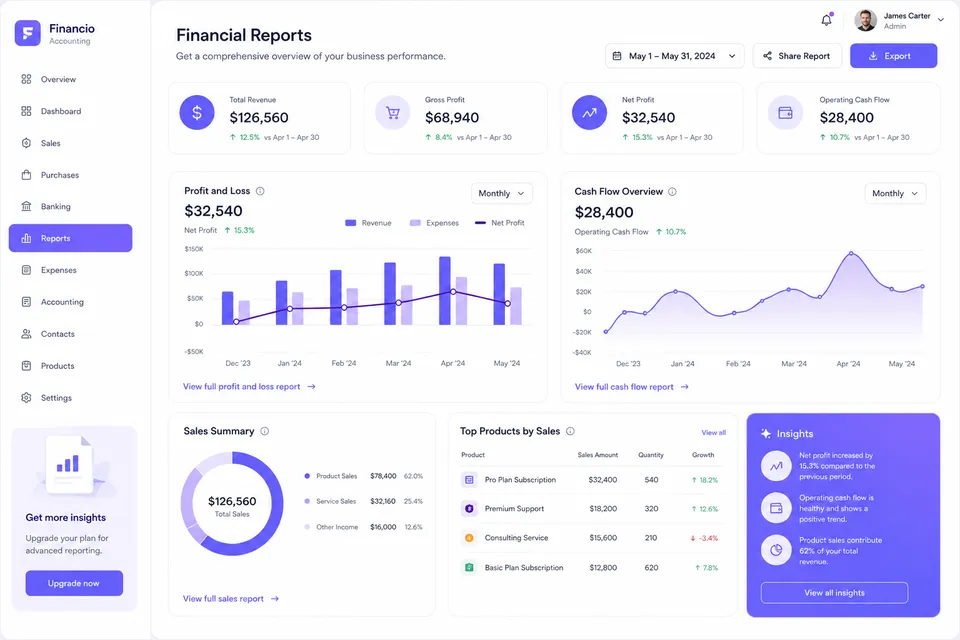
Active listings, under-offer count, sold or rented this month, pipeline value, and status breakdown — all on one dashboard.
Listing form
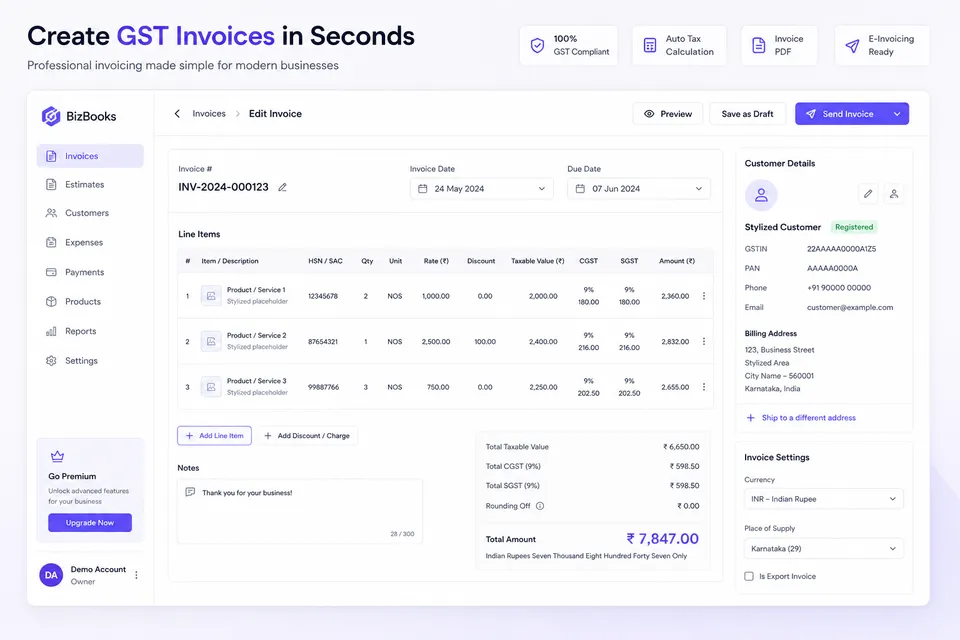
Structured form with live preview — basics, pricing, specs, Google Maps location, amenities, owner contact, and cover photo upload.
Public share page
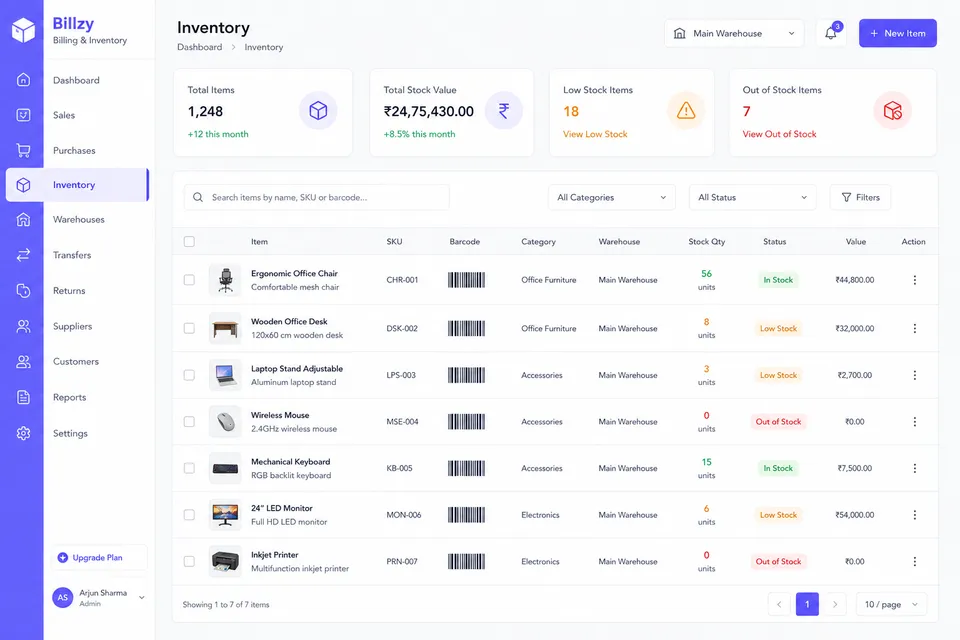
Branded public pages with photos, specs, map, and org contact bar. Optional owner contact and WhatsApp message for enquiries.
FAQ
Realtor listing software helps real estate agents and brokerages manage property listings, locations, photos, status, and client enquiries in one system instead of spreadsheets and separate CRM tools.
Listings support sale, rent, lease, and PG intents. Property types include apartment, villa, plot, office, shop, warehouse, PG room, and other. Each listing tracks bedrooms, bathrooms, area, furnishing, facing, and amenities.
When your org has the realtor module enabled, you can link one or more listings to CRM deals. Deal detail pages show linked properties, and listing detail pages show linked deals with stage and amount.
Each listing can be shared via a public link with photos, details, map, and your org contact. You can also enable a public catalog in realtor settings so visitors browse all active listings from one URL.
Google Maps powers the location picker on listing forms and the map on public share pages. Your organisation needs a Google Maps API key configured in the app environment.
Yes. Use the realtor agent role template or assign permissions such as manage listings and view reports without exposing unrelated modules like payroll or purchases.
Realtor runs on the same platform as accounting and CRM. Owner parties can link to existing customers, and your org uses one ledger — there is no separate real estate billing system.
Listings move through draft, active, under offer, sold, rented, and off market. Drafts are free to create; publishing to active makes listings visible on share pages and the catalog.
Yes. Start a 7-day free trial with full product access. No credit card is required to sign up.
Ready to start?
Set up your realtor workspace, add listings, and share properties alongside your CRM and books — no separate listing portal required.